Annual Report Printing in Qatar: Present Your Company’s Year Clearly
An annual report brings together the story of your company’s year and the data readers need to understand its results. When planning annual report printing in Qatar, a strong publication starts with organized information before the cover is chosen. Whether presented at a meeting in Doha or sent to partners across Qatar, the report needs clear headings, readable tables, and a sequence that makes details easy to find. This guide explains how to turn separate files into a coherent printed report that reflects your brand and serves its audience.
Define the report’s purpose and audience
Before collecting photographs or writing the introduction, decide who will use the report. Partners may want a focused overview of performance, while management needs operational detail and comparisons. Employees may look for a clearer understanding of their contribution. Knowing the audience helps you organize sections and allocate space, keeping the report from becoming a collection of unrelated updates. Define the reporting period too, and state it clearly on the cover and on pages presenting time-based results.
You can build the report around a central message, such as service development or operational improvements during the year, provided the available information supports it. If the report includes financial figures or performance indicators, have the responsible people within the company approve the text and data before the final version goes to print. Design makes information easier to understand; the content owners remain responsible for checking its accuracy.
Create a page plan before design begins
A page plan helps estimate the report’s length and identify missing material early. Give each section a clear purpose, then gather its supporting content in one place. Sections do not need equal space: a topic requiring explanation and comparison deserves more room than a short update. The following sequence offers a starting point you can adapt:
- A cover showing the company name, report title, and reporting year.
- A contents page and concise opening statement that set the context.
- A business overview and key developments supported by information.
- Results, indicators, and tables with explanations of terminology and units.
- Future priorities, contact information, and appendices where needed.
Appoint one person to consolidate feedback instead of circulating conflicting edits from several contributors. Keep a tracker showing whether each section is being drafted, reviewed, or approved. This makes changes easier to follow and reduces the chance of outdated text appearing in a new edition, especially when several departments contribute to the same report.
Make data easy to read and compare
Give tables enough space and structure
Use tables when readers need to look up specific figures. Add a descriptive title, state the reporting period and units, and keep decimal and separator formats consistent. If a table continues onto another page, repeat its column headings so readers can follow it. Avoid shrinking text to force a large table onto one page. You can rearrange it or give it a dedicated page while keeping it connected to the explanation.
Use charts to communicate the main point
Choose the chart to suit the message: bars for comparing categories and lines for showing change over time. Keep titles and labels direct, and show the scale clearly so comparisons do not suggest differences that are not there. Do not rely on color alone to distinguish data series; add clear labels or patterns. Review charts at their printed size, because details that look comfortable on screen can become small on paper.
Plan Arabic and English editions early
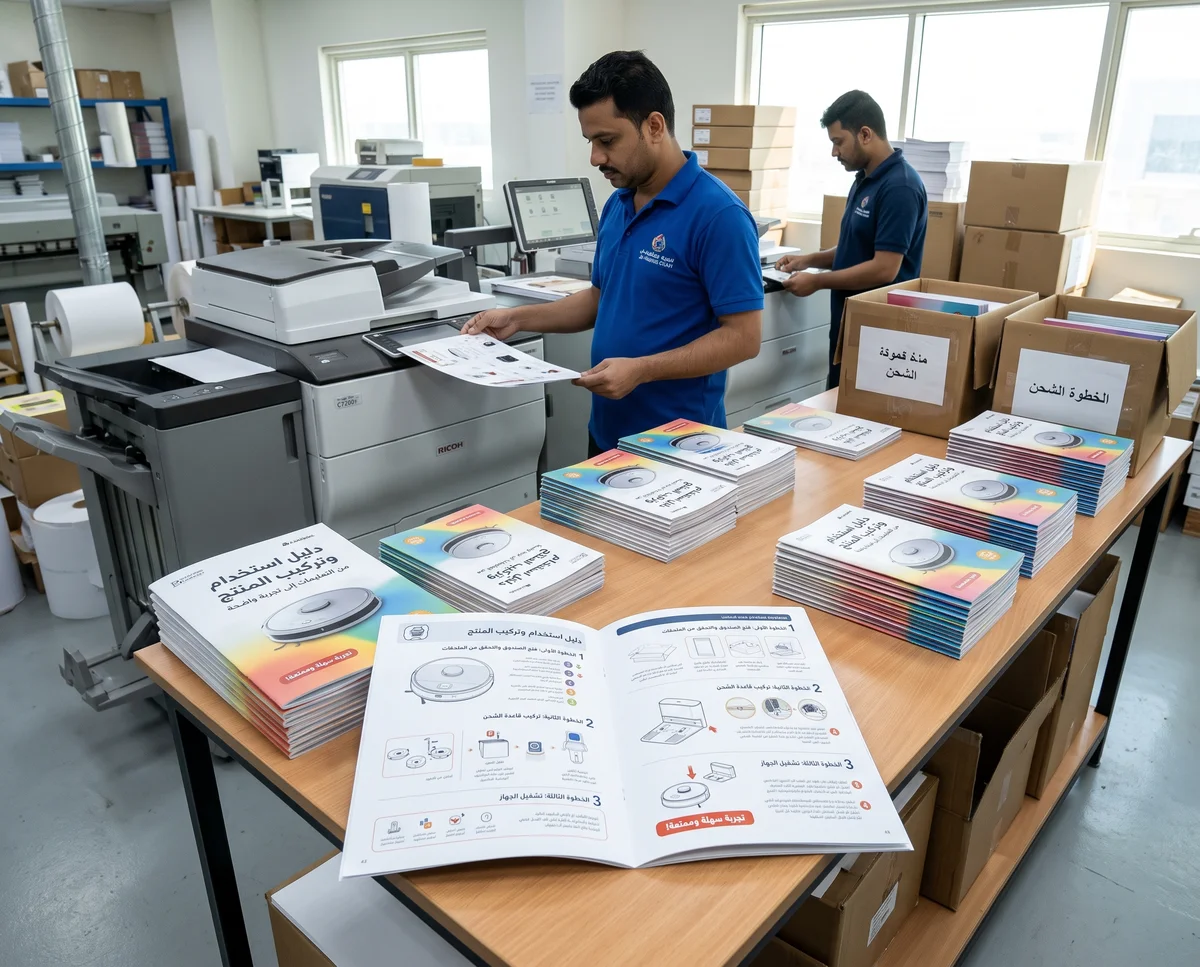
For a bilingual report in Qatar, decide between separate editions and a combined publication before laying out the pages. Text length and reading direction affect the placement of headings, tables, and photographs. Maintain a shared list of department names, project names, and terminology, and check that figures and dates match across languages. Replacing the text alone is not enough: each edition needs its own review of the contents page, pagination, and internal references.
Keep shared elements such as section colors, image treatment, and heading levels consistent so both editions feel like the same publication. A defined brand identity can guide these choices without making every page so similar that sections become difficult to distinguish.
Choose paper and binding around how the report will be used
A report that will be read and referenced regularly needs practical paper and binding choices. Ask to see paper samples so you can assess their feel and the clarity of text and images, including how much printing shows through from the other side. A less reflective surface may be comfortable for longer passages, while a photo-heavy report calls for a different balance. Paper thickness alone should not define quality, as it also affects the publication’s weight and bulk.
Binding depends on page count, paper thickness, and how the report needs to open. Discuss whether stapled binding suits a shorter edition or adhesive binding suits a longer one with your printing company, and allow enough space along the inner margins. If you need a limited quantity for meetings, discuss digital printing in relation to the report’s specifications and required quantity.
Review an actual-size proof before approval
Reviewing a printed report is different from reading its file on screen. Ask what type of proof is available and which aspects of the finished publication it represents, then check the pages in order. Pay particular attention to details that are easy to miss or difficult to change after production:
- Matching contents entries, page numbers, and references between sections.
- Readable tables, footnotes, and image captions.
- Correct names, departments, and reporting year on the cover and spine, where applicable.
- Correct page order, reading direction, and spacing near the binding.
- Working links and QR codes, if included in the report.
Prepare a clear printing brief for Q Trend
Share the proposed size, estimated page count and quantity, languages, intended use date, and content status. Explain whether you need design or printing only, and whether the report will be distributed on its own or within a meeting pack. If additional documents are included, coordinating your corporate files and stationery can give the meeting materials a consistent identity.
To prepare an annual report that presents your company’s information clearly in Doha or anywhere in Qatar, contact Q Trend on WhatsApp at +974 7784 9090. Send your publication details to discuss design, printing, and binding options and request a quotation suited to your needs.
Frequently Asked Questions
What do I need to request annual report printing?
Should Arabic and English appear in the same report?
How should I check tables before approving the report for printing?
What affects the cost of annual report printing?
Need printing or advertising services in Qatar?
Contact Q Trend today for a free quote on your project in Doha and across Qatar.