Book and Novel Printing in Qatar: From Manuscript to Printed Copy
Book and novel printing in Qatar begins with a manuscript that has its own ideas and voice, but the reader's experience also depends on the book's size, page layout and how comfortably it opens. Text that looks tidy on a screen can reveal narrow margins, small type or awkward chapter openings in print. Whether you are a Doha author preparing your first novel or collecting your essays into a book, this guide will help you turn your manuscript into a clear brief to discuss with a printing company before production.
Start with the book and how it will be read
A novel read for long stretches has different needs from a book that readers browse mainly for its photography. First, define the content, audience and intended use: reading at home, giving as a gift, displaying at an author event or carrying regularly in a bag. These details help you choose a practical size and weight, and avoid visual decisions that make the book less comfortable to use.
Prepare a stable manuscript before final layout begins. Adding a chapter or removing pages after the cover is designed can change the book's thickness and the position of its spine text. Keep editing and print layout as separate stages, and name files clearly so the approved version cannot be confused with an earlier draft.
Design interior pages for comfortable reading
Page size, margins and type
Choose the size by testing actual pages from your manuscript, rather than judging the cover alone. A smaller format may increase the page count, while a larger format can create tiring line lengths unless the layout is adjusted. Test a passage of dialogue, a narrative paragraph and a chapter heading, then print them at actual size to assess the type size and spacing.
Allow an inner margin that suits the binding so the text stays clear of the area where the pages meet. For Arabic books, check the reading direction and the placement of left- and right-hand pages, especially where English quotations or numbers appear. Choose a clear font that supports the punctuation and diacritics in your text, and confirm that it displays consistently in the final print file.
Chapter openings and page sequence
Set a consistent style for chapter headings, page numbers and running headers. Chapter opening pages can have a simpler appearance while maintaining the numbering sequence. Check intentional blank pages, and avoid leaving a heading at the bottom of one page with its text on the next. If the book has a contents page, update its page references after the layout is complete.
- Arrange the title page, dedication, introduction, main text and appendices according to the book's plan.
- Use consistent formatting for dialogue, quotations and footnotes throughout.
- Check isolated lines at the top and bottom of pages, adjusting breaks where needed.
- Review images and their captions at their actual printed size.
Choose paper to suit the content
For text-led books, compare paper samples for reading comfort and distracting show-through from the reverse side. White or ivory-toned paper is a choice shaped by the book's appearance and reader preference, while thickness, opacity and texture affect the finished experience. Do not judge paper by weight alone; examine a sample printed on both sides where possible.
Books built around photography or illustrations need a closer assessment of detail and colour on the proposed stock. Identify colour pages early and discuss how their placement affects production. You can also explore whether digital printing suits the quantity and specifications, without assuming that one printing method works for every book.
Cover design, binding and the spine
The front cover establishes the visual hierarchy of the title and author name, while the back cover offers space for a concise description that helps readers understand the book. Keep key elements clear of trimming and folding areas, and make sure images are suitable for print. The cover should reflect the tone of the book, with a title that remains readable when shown at a small size.
Discuss adhesive or sewn binding, and softcover or hardcover options, based on the page count, intended use and available production choices. Ask how comfortably the book opens and how visible the text remains near the spine. Do not estimate the spine width: request it once the paper and page count are approved, then prepare the full cover using the printing company's template.
Use a physical proof for practical checks
A PDF review catches many errors, but a physical proof reveals how the size, weight and reading experience feel in practice. Clarify whether the proposed proof represents the final paper and binding or is intended only for content checks. Collect feedback in one list, recording each page number and required change, then approve a clearly identified final version after corrections are made.
- Compare the page sequence with the approved manuscript, including blank pages.
- Check that the author name and title match across the cover, title page and spine.
- Read pages from the beginning, middle and end to assess the margins.
- Review image clarity, small text, and trimming and folding positions.
- Open and browse the proof to assess whether the binding suits its intended use.
Prepare your printing brief and book launch
For a clear quotation in Qatar, provide the finished size, interior page count separately from the cover, quantity, colour page placement, and paper and binding preferences. Include a file for review, the date you need the copies, and your requested collection or delivery location, whether in Doha, Al Wakrah, Al Rayyan or another city. Ask what the quotation includes for layout, proofs, revisions and packing.
If you are planning an author event, supporting materials can carry the cover design through to the venue. Options include a printed introduction through brochure printing, or displaying the title and author name with roll-up banners and display stands. Base the book quantity on your planned use and distribution, and retain the approved files to make a future edition easier to prepare.
Ready to turn your manuscript into a printed book in Qatar? Contact Q Trend on WhatsApp at +974 7784 9090. Share your book type, page count and required quantity to discuss printing, layout and binding options for your project in Doha or anywhere in Qatar.
Frequently Asked Questions
Can I print a small quantity of my book?
Is a Word manuscript enough to print a book?
When should the book spine be designed?
Does checking a print proof include proofreading the text?
Need printing or advertising services in Qatar?
Contact Q Trend today for a free quote on your project in Doha and across Qatar.
Related Articles
Annual Report Printing in Qatar: Present Your Company’s Year Clearly
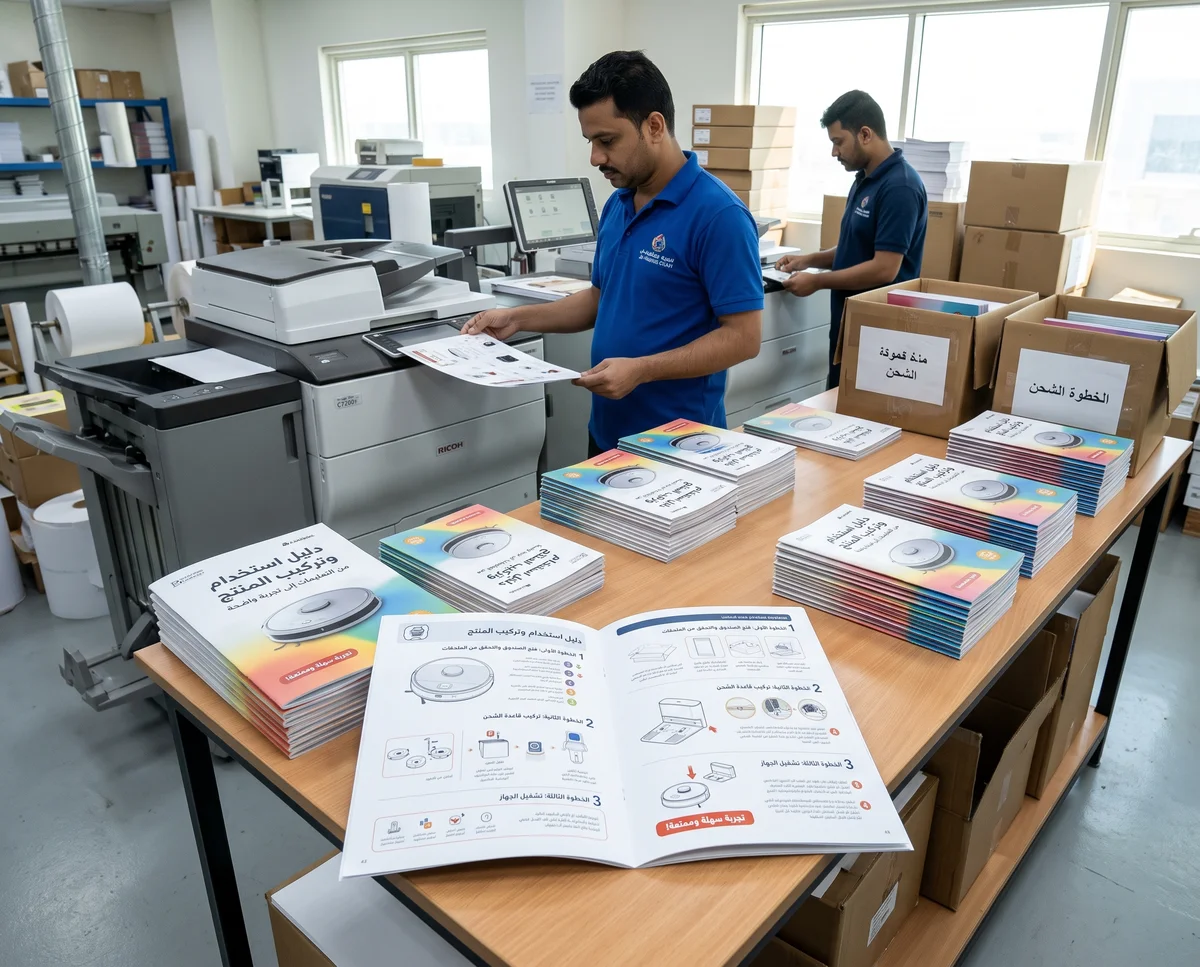
Product Manual and Assembly Guide Printing in Qatar
Custom Board Game and Card Printing in Qatar: From Concept to Playable Prototype